Unified Communications

Calling that lives where your work already is.

VOIP, Teams Calling, Teams Rooms, mobile and inbound 1300 and 1800 numbers, designed and tailored to your business. From simple business calling to complex call centres with AI sentiment analysis on customer calls.

MSTeamscalling and rooms expertise
1300+1800inbound national numbers
AIreadysentiment analysis on calls

Teams first

One platform, every conversation

Teams Calling

Replace the legacy phone system with calling inside the platform your team already uses. We run it internally and deploy it for clients every month.

Move calling to Teams →

Teams Rooms

High quality audio and video for the hybrid meetings your business now runs on, designed for the rooms you actually have. Demonstrations available.

Book a rooms demo →

1300 & 1800 numbers

A national presence with call routing that matches how your team really works, from a single ring group to full call centre flows.

Set up inbound numbers →

Legacy PBX vs Teams Calling

What actually changes

Most businesses are paying for both a phone system and Teams. This is what consolidating looks like.

Traditional PBXTeams Calling with REDD
Where you take callsAt a desk phoneAnywhere you have Teams, on any device
Hybrid workDiverts, or a mobile nobody answersSame number, same experience, any location
CostHardware, line rental, maintenance, plus TeamsOne platform, one licence stack
Adding a personProvision a handset, book a technicianAssign a licence, minutes later
Call reportingLimited, often an add-onBuilt in, with AI sentiment analysis available
When it breaksA separate vendor and a separate ticketThe same help desk that runs everything else

Scroll sideways to compare.

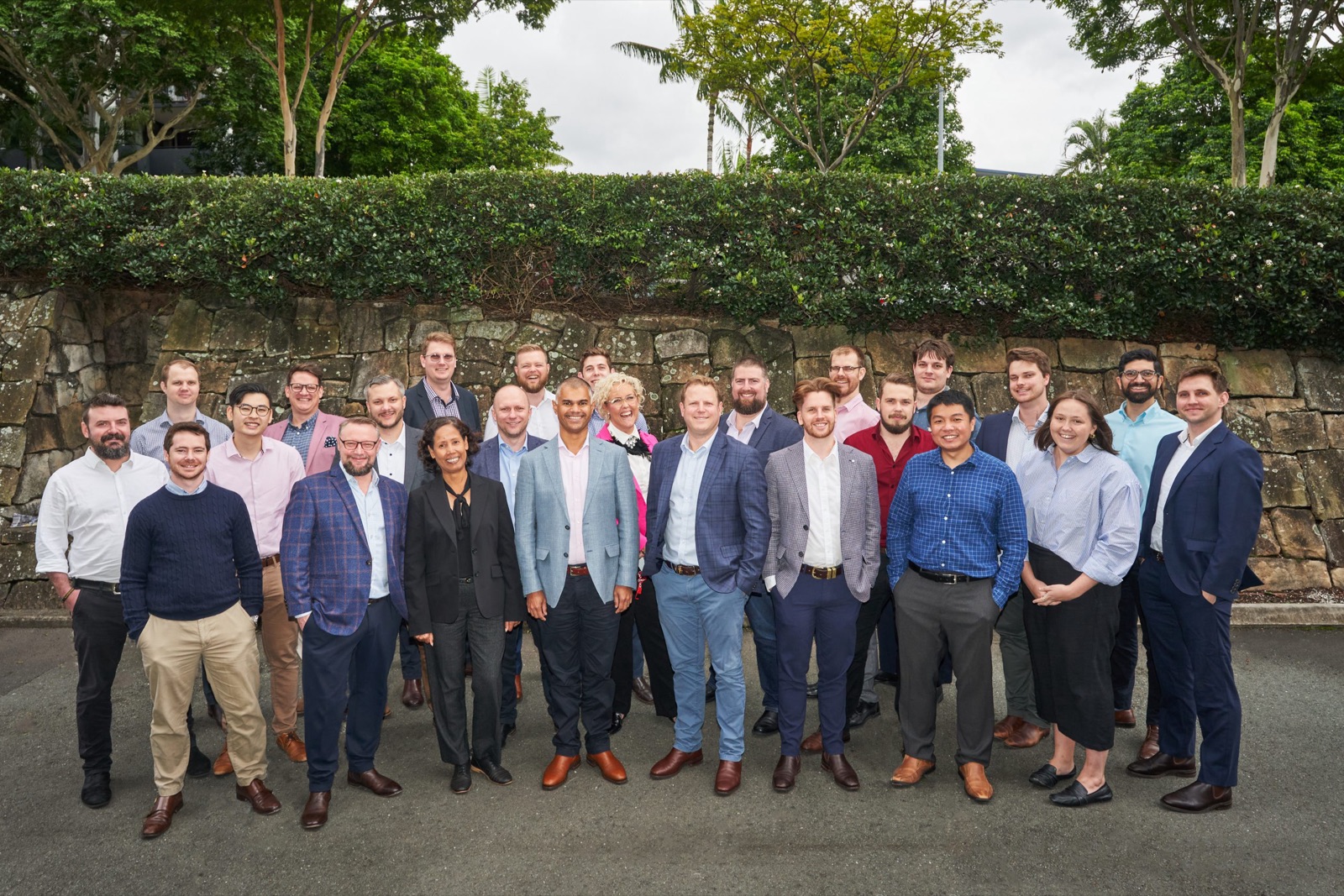
The REDD team outside their Brisbane office
Designed, deployed and supported by the same Brisbane team

Why REDD for UC

Communications the SOC watches too

Phone systems are an attack surface most providers forget. REDD deploys unified communications inside the same secured, monitored environment as the rest of your technology, with one help desk for all of it.

  • Voice quality monitored, not assumed
  • Identity and calling secured under the same Essential Eight baseline
  • One 24x7 help desk for phones, laptops and everything between
Talk through your setup

How a phone migration runs

Numbers ported without dropping a call

Porting is the part everyone fears. Sequenced properly, nobody outside the business notices it happened.

01

Week 1

Design the call flows

How calls should route by time, team and skill, mapped to how you actually work rather than how the old system forced you to.

02

Week 2

Provision and pilot

Licences, devices and a pilot group live on the new platform while the old system still runs.

03

Week 3

Port the numbers

Numbers moved in a scheduled window, with the old service live until the port completes.

04

Week 4

Tune and train

Call quality monitored, flows adjusted against real usage, and staff trained on the parts they will actually use.

Common questions

Unified communications questions we get asked

Can we keep our existing phone numbers?

Yes. Numbers are ported across, including 1300 and 1800 services, and the cutover is scheduled so there is no period where calls are lost. Porting timeframes depend on the losing carrier, and we manage that process rather than handing you a form.

Is Teams Calling good enough to replace a real phone system?

For most businesses, comfortably. REDD runs it internally, which is the honest test. Where it needs care is call quality on poor connections, emergency address configuration, and complex call centre flows, and those are exactly the parts we handle.

What does it cost compared to our current PBX?

Most businesses save, because they are currently paying for a PBX, line rental and Teams licences to do overlapping jobs. The saving depends on your current contract and how many handsets you genuinely need, since a lot of desk phones go unused in hybrid teams.

How do Teams Rooms work for hybrid meetings?

A dedicated device in the room joins the meeting with proper cameras and microphones, so remote participants can actually hear the room rather than the nearest laptop. One-touch join means no cable hunting. REDD specifies per room, because a huddle space and a boardroom need very different equipment.

Can calls be recorded or analysed?

Yes, including AI sentiment analysis on customer calls for contact centre deployments. Recording carries privacy obligations in Australia, so we configure consent and retention properly as part of the deployment rather than leaving it to chance.
Get in touch

Tell us what is running your business

Send the basics and a REDD engineer will come back to you within one business day. Prefer to talk? Call 1300 697 333.

Thanks. Your enquiry is on its way, and a REDD engineer will come back to you within one business day.

Your details go to the REDD team and nowhere else.

1300 697 333 Book a consult